
Two new interactive guides
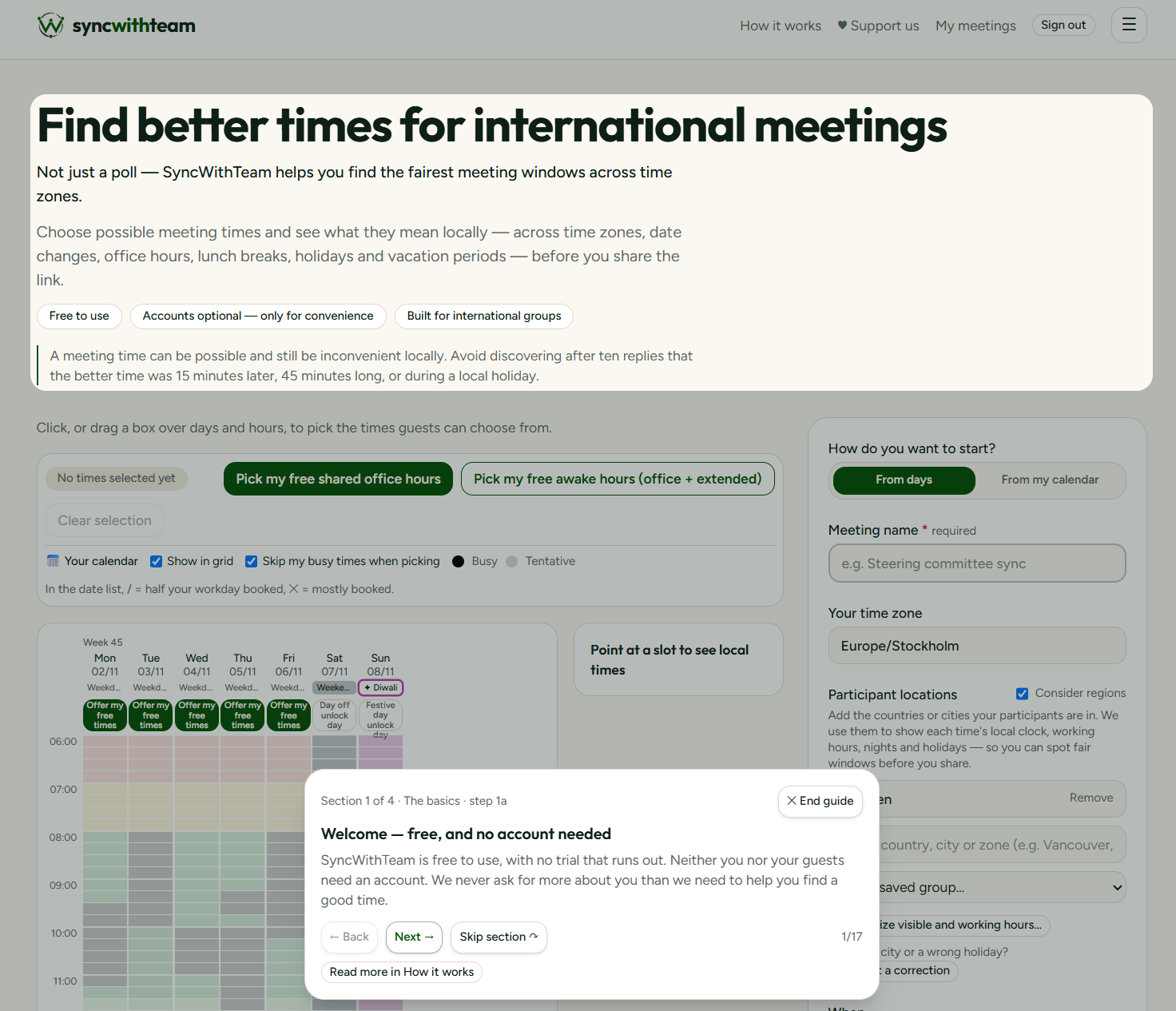
SyncWithTeam has grown: calendars, groups, defaults, deadlines, partial booking. Each feature is simple on its own, but together they can feel like a lot the first time you open the planner.
Rather than writing a long manual, we built two interactive guides that run on the real screens. The first walks you through creating a meeting — choosing locations, picking dates, offering times and sharing the link. The second shows how to administer meetings: reading answers, marking essential participants, booking and closing.
Both guides are optional and completely safe. They run in demo mode in your browser, use example answers, and never write anything to your account or send anything to anyone. You can step forward and back, leave at any time, and start them again from the Guides section of the menu.
First-time visitors see a short 'Are you new here?' box that offers the guides, the video demos, or 'No thanks, I'll manage this myself'. Once dismissed, it stays out of the way.
What this makes possible is learning by doing, without the risk of sending a half-finished poll to your team. It also gives colleagues who receive their first invitation an easy way to understand what the organiser sees.